Turn Your iPhone Into a Swing Catalyst Camera
Every coach knows the second angle they should be filming and rarely do. Down the line when the camera is face on, face on when it is down the line. The reason was never the value of the extra view. It was the hardware. This is the story of the angle coaches kept skipping, and how the phone already in your pocket quietly removed the reason to skip it.
For years, better video meant more equipment. Another camera to buy, a mount, cables across the floor, and one more thing to re-aim between lessons. So the second angle stayed on the to-do list, and most lessons ran on a single view. For players training at home it was worse. A launch monitor gave them the ball numbers, but nothing showed the swing that produced them.
The camera was always in your pocket
The Swing Catalyst Camera closes that gap. Install the free Swing Catalyst Cam app, pair your iPhone over Wi-Fi, and the phone becomes a camera inside the Swing Catalyst desktop software. It shows up in your camera list like any other camera. Capture on the phone, analyze on the PC, at up to 240 frames per second. No cables, no lighting rig, and because the video renders on the phone, you do not need a powerful PC or the newest graphics card. This was never about buying more gear. It was about using what you already own.
We put it in front of a Top 100 teacher
We asked John Dunigan, a Golf Magazine Top 100 teacher, to set it up the way he would before a normal lesson and tell us what he found. It took him about two minutes. Then he did the obvious thing and ran the iPhone angle next to the studio camera he uses every day. His reaction was immediate.
"Look at how clear that picture is, especially when you compare it to this picture over here, which I have to adjust all day, every day."
- John Dunigan, Golf Magazine Top 100 Teacher -
For John, the analysis was never the question. What stood out was everything around it: how fast it went up, and how good the picture looked from a phone he already owned.
Watch: John Dunigan on the new Swing Catalyst Cam app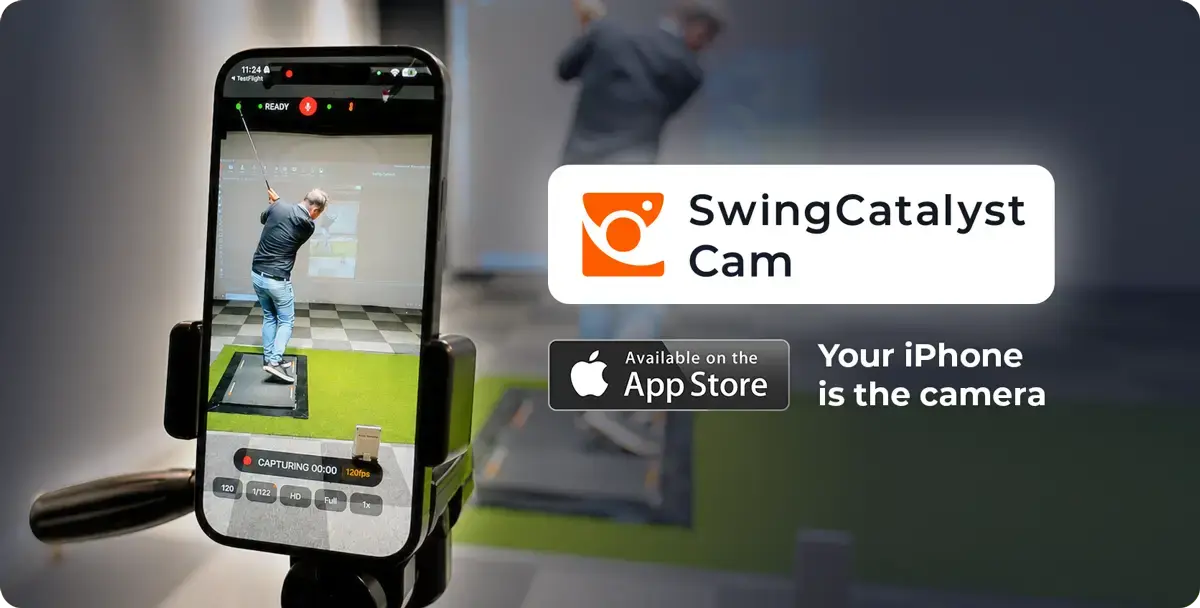
Explore the Swing Catalyst Cam App
Set up in minutes
There is no rig to build. Download the app, pair over Wi-Fi, and the camera is live in Swing Catalyst. Recording triggers from your launch monitor or the microphone on impact, so you never touch the phone mid-swing. A live mirror lets a player check positions between shots, and the swing lands in the software the moment it is recorded, ready to draw on and compare.
It fits however you coach and play
For a player at home, the launch monitor shows the ball and the Swing Catalyst Camera shows the swing that produced it, with no camera to buy. For a working coach, it is one more angle in seconds, a down the line view while the main camera holds face on, without wiring anything new. For a studio, it is an angle a mounted camera cannot reach, on the same session and the same timeline as everything else. It works on its own, or alongside the cameras you already run.
Why this matters for every coach
The best video setup is the one you actually use. A second angle you never set up teaches nothing, and a launch monitor number without a swing beside it leaves the player guessing. Removing the hardware barrier changes the habit, not just the kit.
It changes how you work in three ways:
-
You capture more. The extra angle is always with you, so it stops being the thing you skip.
-
You show more. A player understands a change faster when they can see it from the angle that reveals it.
-
You spend less. The camera is the phone in your pocket, free and included, so there is nothing extra to buy.
None of this requires a studio or a tour player. It is free and included with every Swing Catalyst subscription and free trial. All you need is an iPhone and a PC.